Whether you are trying to send funds from an exchange or link your account to a tracking tool, knowing exactly where to find your Polymarket wallet address is step one. In 2026, with the new interface updates, the process is slightly different depending on whether you are using a “social login” (Google/Email) or a “Web3 login” (MetaMask/Rabby).
Here is the quickest way to locate your address on the Polymarket exchange.
Step 1: The Settings Menu Method
This is the most direct way to find your “Proxy” address—the actual on-chain address that holds your USDC and shares.
- Log in to your account at Polymarket.
- Click on your Profile Icon (or your username) in the top right corner.
- Select Settings from the dropdown menu.
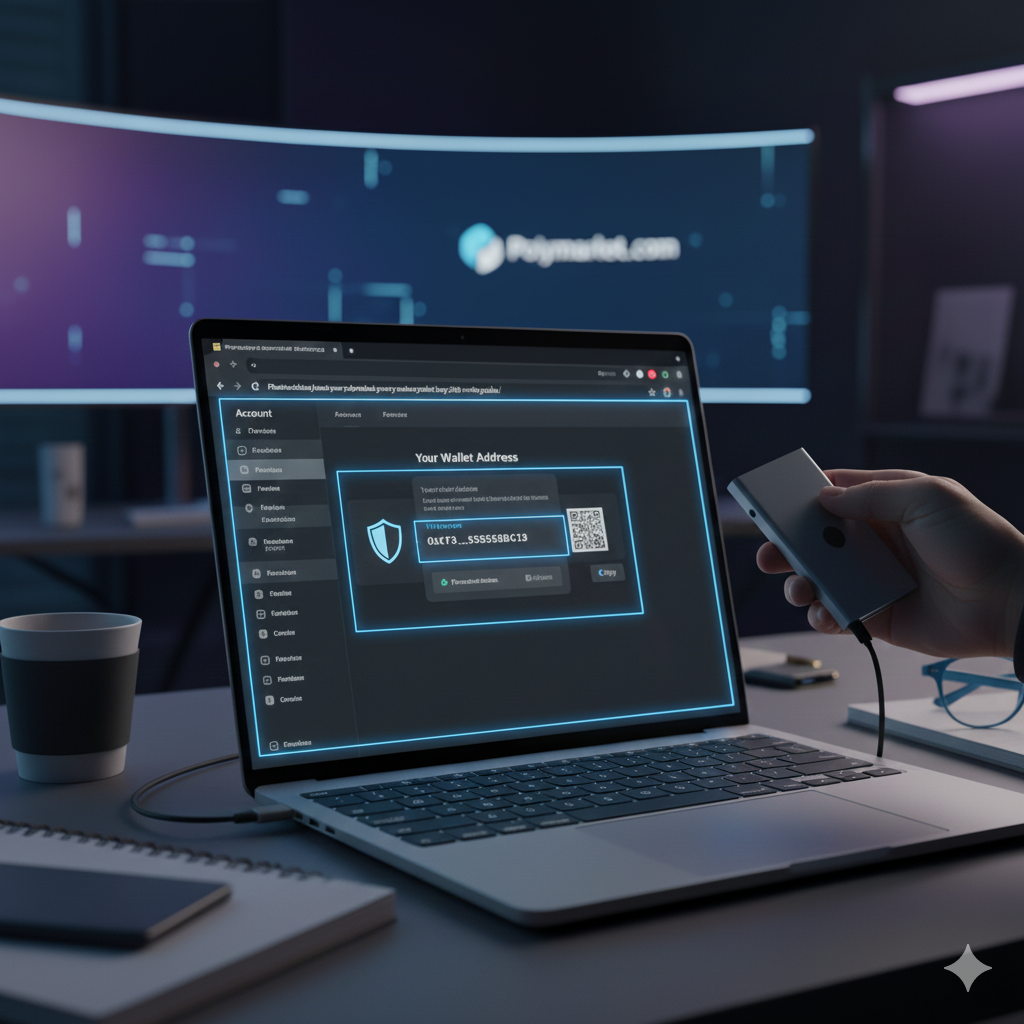
- Look for the “Wallet Address” or “Public Address” section.
- You will see a long string starting with
0x.... Click the Copy icon next to it.
Step 2: The Deposit Screen Method
If your goal is to send money to your account, the Deposit screen is often the easiest place to grab the correct address.
- Click the blue Deposit button in the top right corner of the Polymarket dashboard.
- Select “Transfer Crypto” or “Polygon” as your source.
- The platform will display your unique deposit address along with a QR code.
- Important: Double-check that the network listed is Polygon. Sending assets to this address on the wrong network (like Ethereum or Base) can result in lost funds unless you use the Polymarket internal bridge.
Understanding the “Proxy Wallet” (Pro Tip)
If you use Google or Email to log in, Polymarket creates a “Proxy Wallet” for you. This is a smart contract wallet that allows for gasless trading.
- Your Login Address: This is the EOA (Externally Owned Account) that controls the account.
- Your Proxy Address: This is the address where your funds actually sit.
When you look in your Polymarket settings, the address shown is your Proxy Address. This is the one you should use for deposits and for tracking your “Polymarket Bro” stats on sites like Polygonscan.
Dec 2025 Security Reminder
As we navigate the final week of 2025, remember that Polymarket recently updated its security protocols following a third-party login vulnerability.
- Never share your private keys or recovery phrases with anyone claiming to be Polymarket support.
- Verify the URL: Always ensure you are on
polymarket.combefore entering any login information. - Withdrawal Test: If you are sending a large amount of USDC for the first time, send a $5 test amount to your Polymarket address first to ensure it appears in your balance correctly.
Summary Checklist
- Path: Profile -> Settings -> Wallet Address.
- Format: Always starts with
0x. - Network: Polygon PoS.
- Asset: USDC (Native or .e).
Ready to fund your account and start trading? Visit the Polymarket homepage to see the latest odds on the 2026 playoff markets.