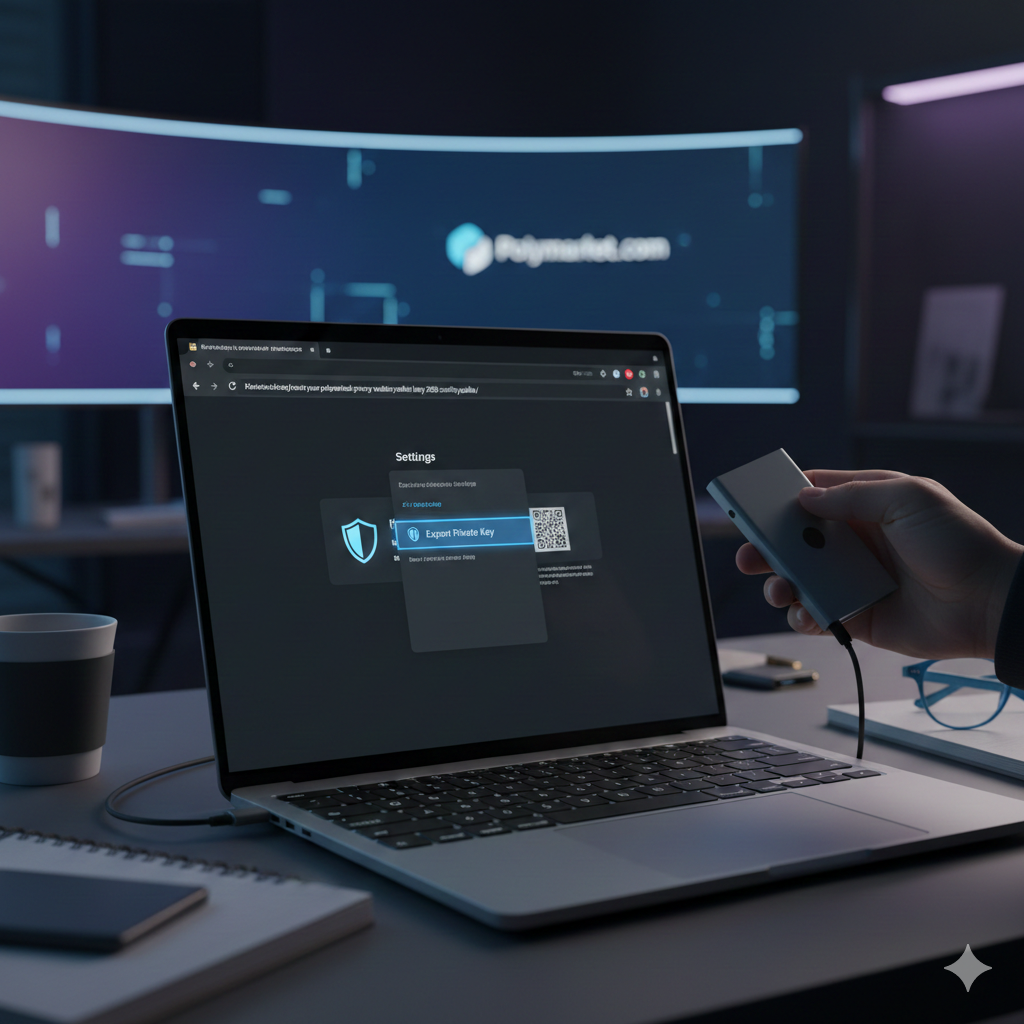

Exporting your private key is the most important step you can take to move from a “social login” (convenience) to “self-custody” (security). Especially following the login vulnerabilities reported in late December 2025, many “Polymarket Bros” are exporting their keys to use the platform exclusively through MetaMask or Rabby.
Here is the exact process to retrieve your key safely.
Step 1: The Magic Reveal Page
If you signed up with Google or Email, your private key is managed by a service called Magic Labs. To export it, you must use their official “Reveal” tool specifically configured for Polymarket.
- Open a new browser tab and go to: https://reveal.magic.link/polymarket.
- Enter the exact same email address or use the Google login button associated with your Polymarket account.
- You will receive a “Magic Link” in your email. Open it and click Log in.
- Once authenticated, the page will show a blurred box. Click Reveal Private Key.
- Copy the 64-character string (it usually starts with
0x).
Step 2: Importing to MetaMask
Once you have the key, you can “import” your Polymarket account into a standard browser extension.
- Open your MetaMask extension.
- Click the Account Selector (the circular icon or account name) at the top.
- Click Add Account or Hardware Wallet -> Import Account.
- Paste the Private Key you copied from the Magic Reveal page.
- Click Import.
Success: You will now see your Polymarket balance (USDC.e) and your shares directly inside MetaMask. You can now log into Polymarket using the “MetaMask” option instead of Google.
Step 3: Finding Your “Proxy” vs. “EOA” Key
This is a technical nuance that confuses many traders.
- EOA (Externally Owned Account): This is the key you just exported. It is the “master key” that owns your account.
- Proxy Wallet: This is the smart contract address where your money actually sits.
When you import your key to MetaMask, you are importing the owner address. When you connect this MetaMask to Polymarket, the site will automatically recognize that this address “owns” your specific Proxy Wallet, and your funds will appear.
Critical Security Warnings (Read Carefully)
NEVER Share Your Key: Polymarket support, admins, or Discord mods will never ask for your private key. Anyone asking for it is a scammer.
Avoid Screenshots: Never take a screenshot of your private key. Phishing malware often scans your photo gallery for strings of text that look like private keys.
Clear Your Clipboard: After you paste your key into MetaMask, copy a random piece of text (like “done”) to overwrite the private key in your computer’s clipboard memory.
Why Export Your Key Now?
- Dec 2025 Incident: The vulnerability in social logins proved that relying on a third-party bridge (Google/Magic) can be a single point of failure.
- Instant Access: If Polymarket’s website goes down, you can still sell your shares or move your USDC directly through the Polygon blockchain using your exported key and an explorer like Polygonscan.
- Botting/API: If you want to use the Polymarket API or trading bots, you will need this private key to sign your trades programmatically.