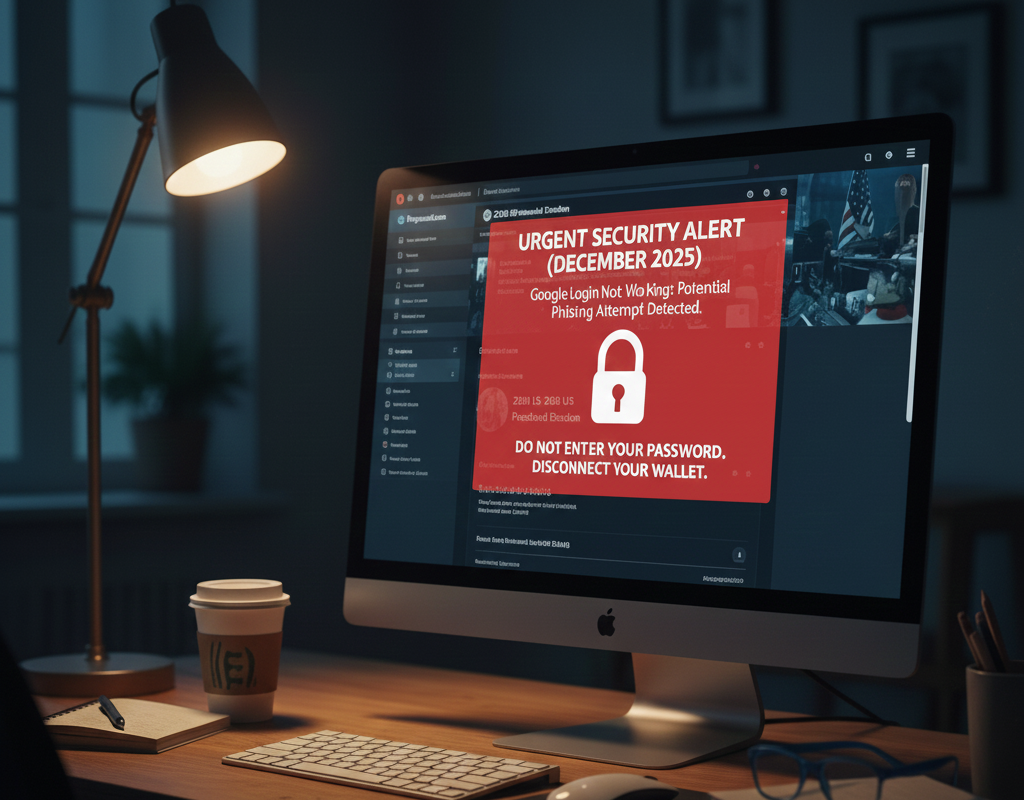

If you are experiencing issues with your Polymarket Google or email login, it is critical to address this immediately. A major security event occurred in late December 2025 involving the platform’s third-party authentication systems, leading to login failures and, in some cases, unauthorized account activity.
The Dec 2025 Security Breach: What Happened
Between December 22 and December 25, 2025, Polymarket confirmed that a “small number” of user accounts were compromised due to a vulnerability in an external authentication provider. While Polymarket’s core smart contracts remained secure, the login bridge—specifically impacting those who signed up via Google or Magic Link—was exploited.
- The Issue: Attackers bypassed security protocols to access accounts, close active positions, and drain USDC balances.
- Current Status: On December 24, 2025, Polymarket announced the flaw had been “fully remediated.” However, many users are still reporting login “loops” or finding their accounts temporarily frozen as a safety precaution.
Immediate Troubleshooting Steps
If your Google login is currently failing or showing an error, follow these steps to regain access safely:
- Perform a “Hard Refresh”: Your browser may be storing a corrupted or “vulnerable” session token. Press
Ctrl + F5(Windows) orCmd + Shift + R(Mac) while on the Polymarket login page. - Check the Discord Support Hub: Polymarket is using their official Discord to handle the influx of support tickets. If you cannot log in, join their server and check the
#supportor#announcementschannels for real-time updates on account restorations. - Audit Your Transactions: If you manage to log in, immediately check your “Activity” tab. Look for unauthorized “Proxy” calls or withdrawals to unknown Polygon addresses.
- Verify Your Email Security: Even though the breach was on the provider’s end, ensure your primary Google account has Advanced Protection or a hardware security key (like a YubiKey) enabled for 2026.
Comparison: Login Security Levels
To prevent future lockouts or breaches, consider moving your Polymarket balance to a more secure connection method:
| Login Method | Vulnerability Level | Recovery Method | Recommendation |
| Google / Email | High (Third-party risk) | Email Recovery | Avoid for high balances. |
| Magic Link | High (Targeted in Dec ’25) | Email Link | Phasing out by many pros. |
| MetaMask / Rabby | Low (Self-Custodial) | Seed Phrase | Recommended for 2026. |
| Hardware Wallet | Critical Low (Cold Storage) | Physical Device | Best for balances >$5,000. |
Moving Forward: The “Non-Custodial” Shift
The December breach has highlighted the risk of “convenience” logins in Web3. For the “Polymarket Bro” community, the consensus for 2026 is clear: Migrate to a browser extension wallet.
Security Note: If your account was drained during this event, Polymarket has stated they will contact impacted users directly. Do not follow “recovery” links sent via X (Twitter) or Telegram, as scammers are currently targeting victims of the breach with fake refund sites.