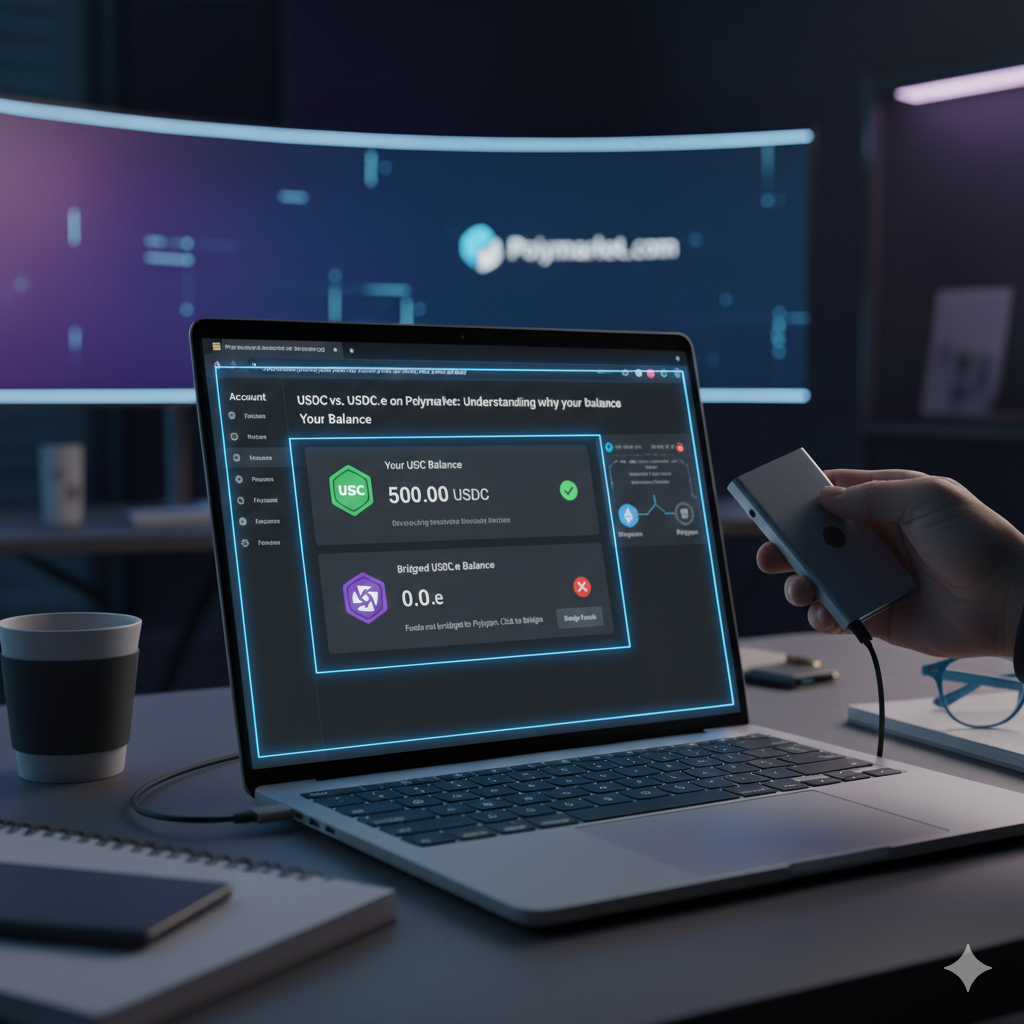

This is the single most common reason new traders think their funds are “missing.” Because Polymarket was built in the early days of the Polygon network, it standardized its entire ecosystem around the original bridged version of the dollar stablecoin, now known as USDC.e.
As of late 2025, the platform still exclusively uses USDC.e as its native collateral. If you deposited “Native” USDC from an exchange, your money is safe, but it isn’t “active” yet.
The Comparison: USDC.e vs. USDC (Native)
| Feature | USDC.e (Bridged) | USDC (Native) |
| Trading Status | Native Collateral | Inactive (Requires Swap) |
| Issuer | Polygon PoS Bridge | Circle (Official Issuer) |
| Trust Model | Reliance on Bridge Security | Direct Circle Backing |
| Contract Address | 0x279...4174 | 0x3c4...3359 |
| Symbol on Explorer | USDC.e | USDC |
Why Does My Polymarket Balance Show $0.00?
If you know you sent USDC to your Polymarket address but your balance hasn’t updated, you likely sent the Native version. Native USDC is now the default on major exchanges like Coinbase and Kraken.
How to Fix It:
- Log in to Polymarket.
- Look for a banner at the top of the screen or a notification inside your Wallet/Deposit menu that says “Activate Funds.”
- Clicking this will perform a “gasless” signature or a tiny-fee swap through a Uniswap pool to convert your
USDC (Native)intoUSDC.e. - Once the transaction confirms (usually under 30 seconds), your balance will update and you can begin trading.
Why Doesn’t Polymarket Just Use Native USDC?
Migrating an entire exchange to a new collateral asset is a massive technical hurdle.
- Legacy Liquidity: Billions of dollars in open Polymarket positions are currently “locked” in USDC.e smart contracts.
- Order Book Stability: Switching would require every limit order on the platform to be canceled and re-posted.
- Integration: Most of the “Polymarket Bro” infrastructure (bots, data trackers, and settlement oracles) is hardcoded to read USDC.e.
Best Practice for 2026 Deposits
To avoid the “Activate Funds” step and the potential for slippage, follow these tips:
- Use the Internal Bridge: If you use the Polymarket “Cross-Chain Deposit” tool to move funds from Solana, Base, or Arbitrum, the platform handles the conversion for you automatically.
- Check the Network: When withdrawing from an exchange, look for the option to withdraw as “Bridged USDC” if available, though most exchanges have now phased this out in favor of Native.
- Polygonscan Check: If you are ever unsure, paste your Polymarket wallet address into Polygonscan. If you see “USD Coin” (USDC) but your Polymarket balance is zero, you need to perform the activation swap.
Pro Tip: While trading onPolymarketis often gasless, you should keep at least 1 POL (formerly MATIC) in your wallet just in case you need to manually approve the USDC-to-USDC.e swap through a third-party DEX.